The free bar shows buttons. The PRO screens decide when the bar appears, what it says outside business hours, which visitors see it, and what you learn from it. This post walks through Steps 3 and 4.
Step 3 — Behaviour
Six sub-tabs, each independent. You can enable one and ignore the rest.
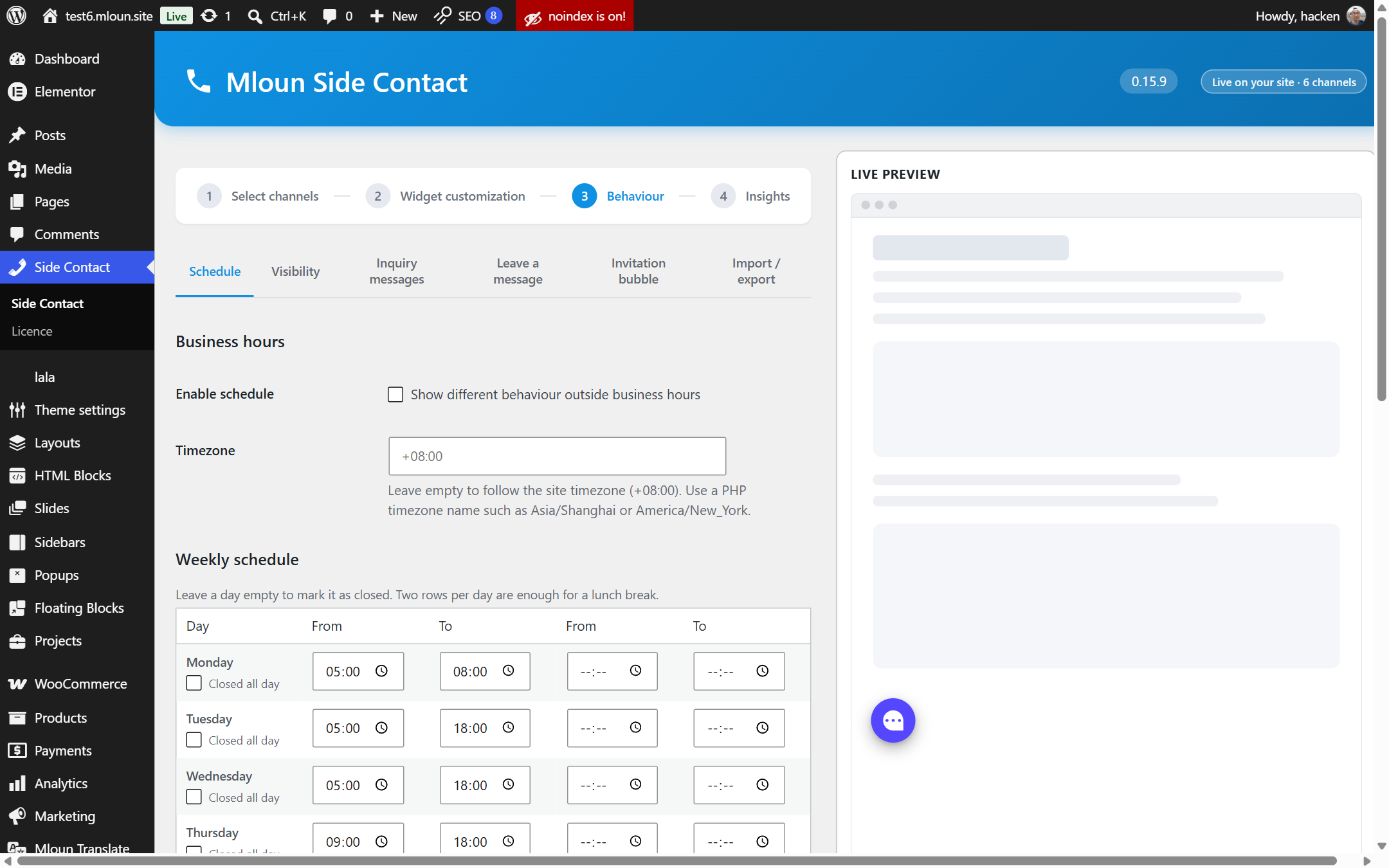
Schedule — business hours
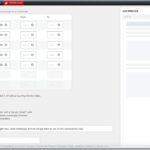
Tell the bar when you are actually open and it stops pretending otherwise at 11pm. Set your timezone first — this is the single most common configuration mistake, because a schedule built in the wrong timezone is silently an hour or eight hours off.
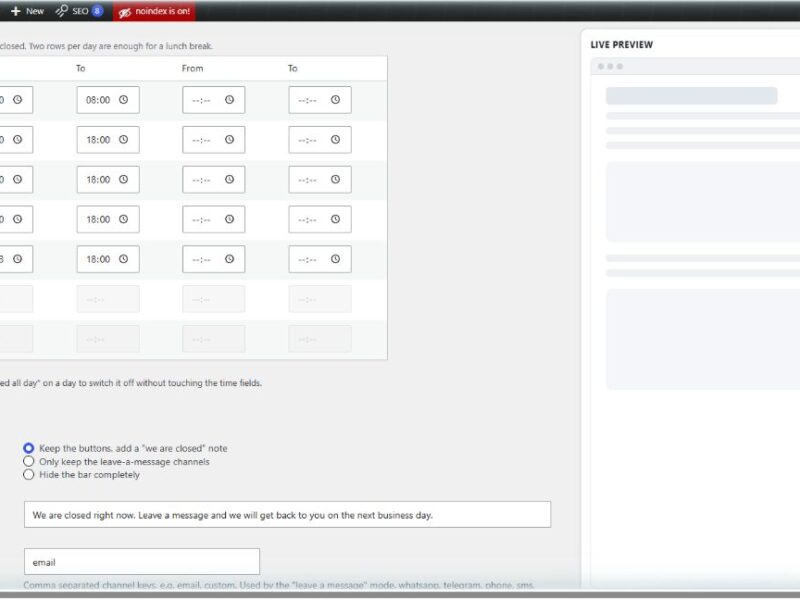
- Weekly schedule — up to two ranges per day, so a lunch break is easy. Leave a day completely empty to mark it closed.
- Holidays — specific dates that override the weekly pattern.
- Offline behaviour — either hide the bar entirely, or keep it and show a short notice that you are away.
The settings screen shows an Open right now / Closed right now badge computed from your own schedule, so you can verify the setup without waiting until 6pm.
Visibility — display rules
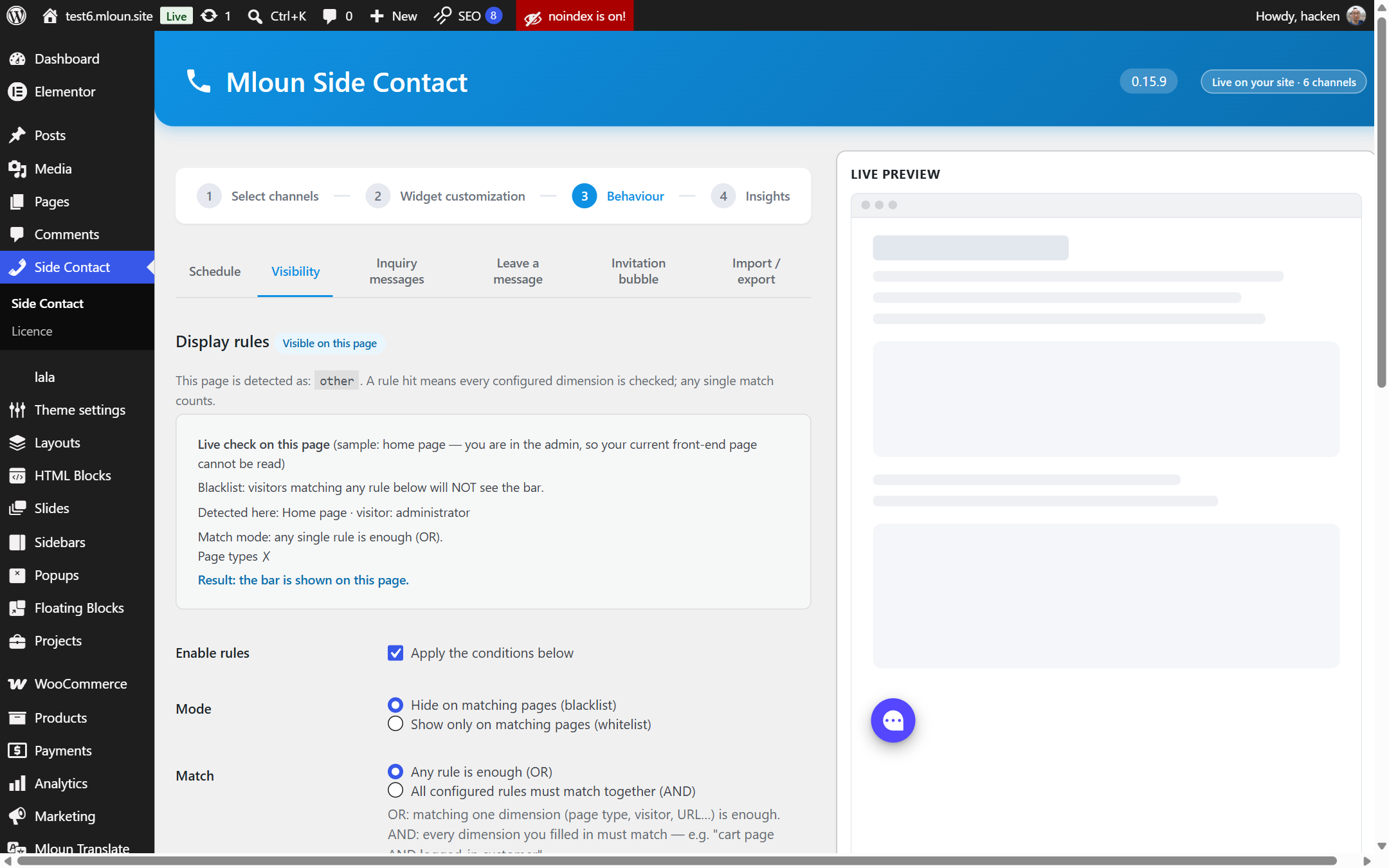
A contact bar on every page is fine. A contact bar on the checkout page is not. Display rules let you include or exclude by any combination of:
- Page type — front page, blog index, single post, page, and — only when WooCommerce is actually active — product, product category, cart, checkout and my account.
- Specific IDs and specific URLs, for the one landing page that needs special treatment.
- Visitor role — logged in versus guest.
- Device — desktop versus mobile.
Note the WooCommerce condition: on a site without WooCommerce those shop page types are not offered at all, so you never build a rule that can never match. If WooCommerce is temporarily deactivated for maintenance, your saved rules are kept rather than discarded.
Inquiry messages
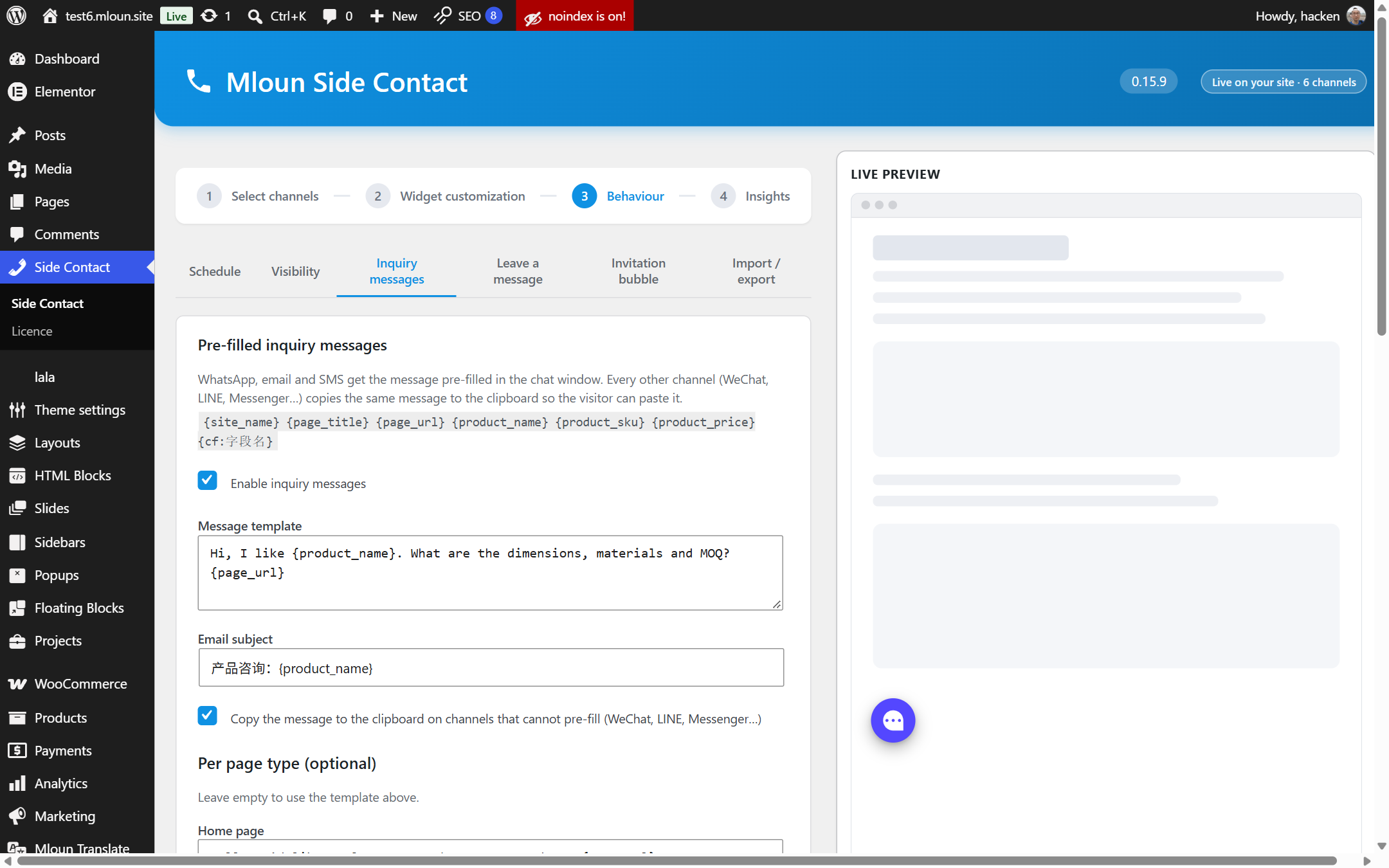
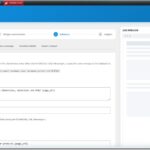
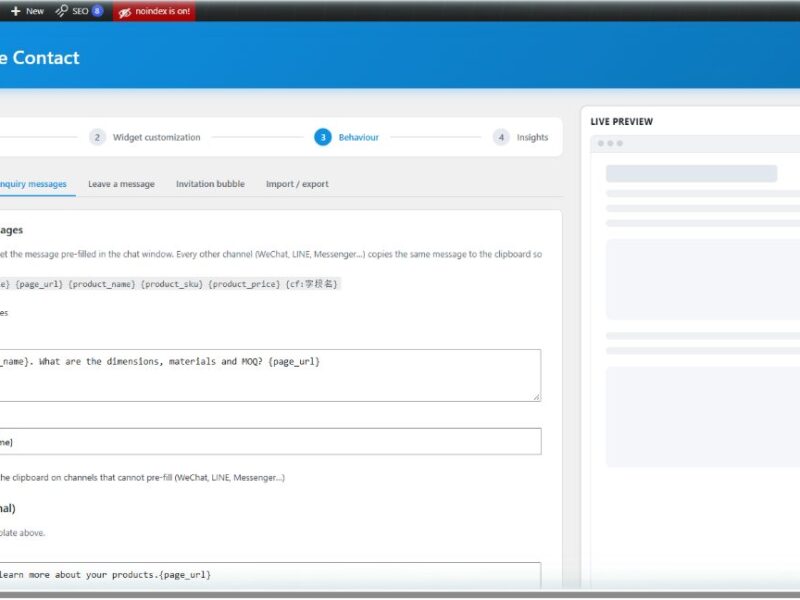
This is the feature clients notice first. Instead of opening WhatsApp on a blank chat, the visitor gets a message pre-filled with what they were looking at:
Hi, I’d like to ask about {page_title}. {page_url}
Two placeholders do the work — {page_title} and {page_url} — and you can add per-channel overrides when WhatsApp and email need different wording. There is also an email subject template and an optional clipboard copy, so the visitor can paste the same context somewhere else.
In practice this turns “hello?” into “hi, I’d like a quote for this specific product” — and that is what shortens the sales cycle.
Leave a message
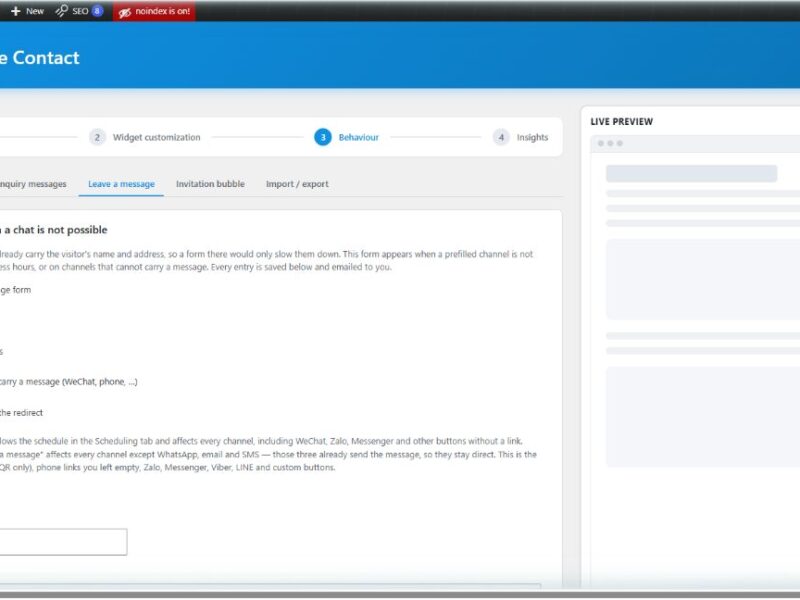
Some visitors will not open a chat app, and some are browsing at 2am. The inquiry form gives them a third option: name, contact, message, with per-field visibility and required switches, recipients, a subject line and your own thank-you text. Submissions land in your inbox and in the leads list in the admin.
Invitation bubble
A small proactive bubble that introduces the bar instead of waiting to be discovered. Trigger it after a delay or after a scroll percentage, keep it to one appearance per visitor, and pick a style that matches your theme. One sentence, no pressure — the classic mistake is a bubble that shouts.
Import / export
Export your whole configuration as JSON and import it elsewhere. Indispensable when moving staging to production, or when you run the same bar across several client sites. There are also built-in presets if you would rather start from a known-good configuration than from defaults.
Step 4 — Insights
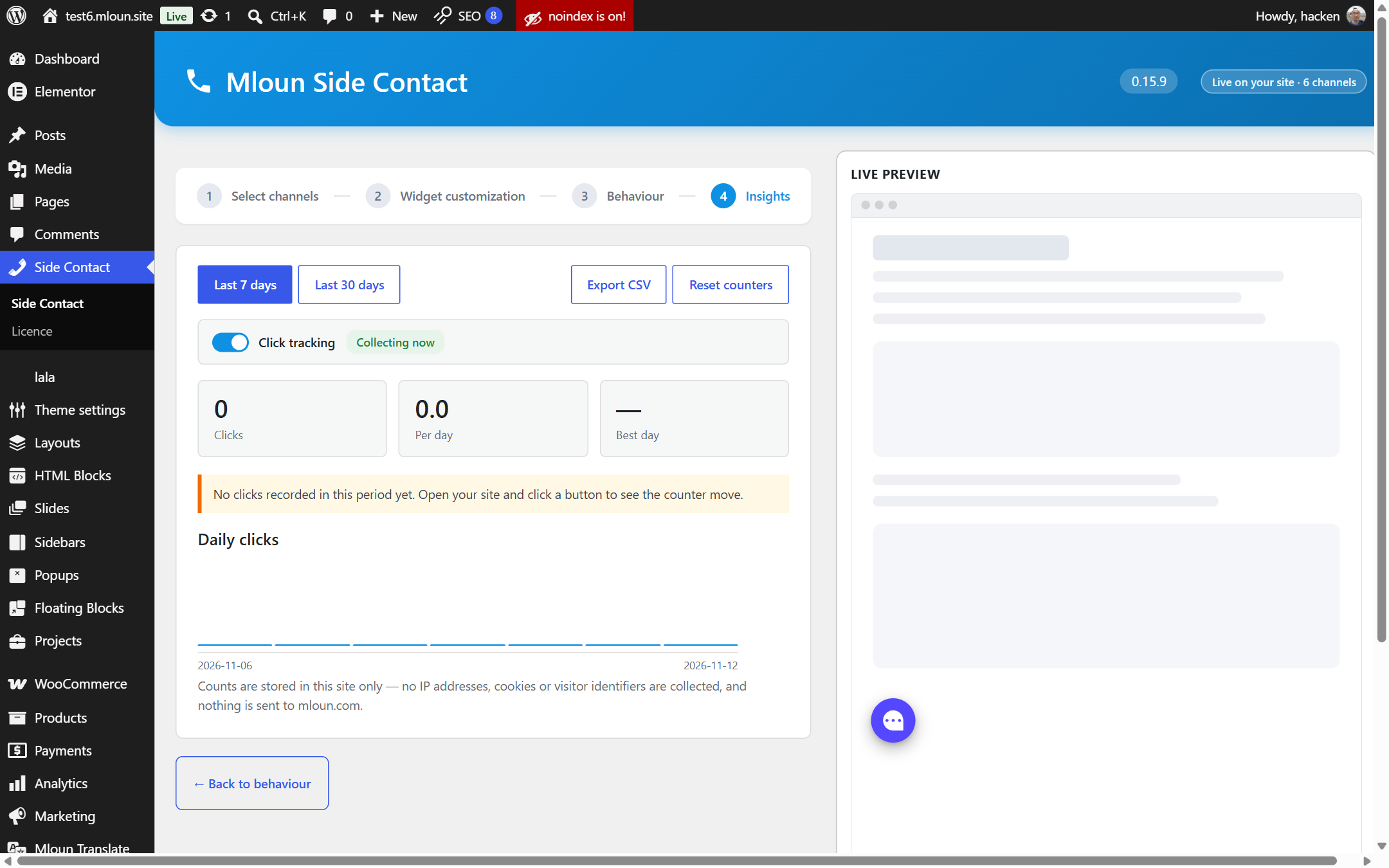
Every channel click is counted. Not page views — actual intent. The insights screen breaks the counts down by channel, by page type, by device, and by path, and shows your busiest twelve paths with a relative bar chart.
- If WhatsApp dominates and email never gets clicked, stop arguing about the email button and give WhatsApp more prominence.
- If mobile beats desktop by a wide margin, that is your case for choosing the phone bottom bar over the side rail.
- If one product page sits at the top of the path list, that page is your real conversion page — treat it accordingly.
The whole dataset exports as CSV for a spreadsheet, and the reset button clears the counters when you want a clean measurement period.
Licensing, honestly
- A key is bound to a set number of sites. Moving sites means freeing a slot first.
- PRO features follow the licence: deactivate it and the PRO screens switch off while the free bar keeps running. Nothing is deleted.
- Expiry affects access to updates and support; renew to keep receiving releases.
- Automatic updates come from our own servers, not wordpress.org — the plugin checks in, receives an update notice in Plugins, and installs like any other plugin. Updates are signed download links tied to your key, so they cannot be reshared.
A sane order of operations
Do it in this order and you will not have to redo anything: licence first, then channels, then widget styling, then the phone layout, then display rules, then the schedule, then messages and the form. Insights last, because the numbers only mean something once the bar has been placed deliberately.
If your site runs on WooCommerce, the inquiry form pairs well with a proper request-a-quote flow in WooCommerce — the bar starts the conversation, the quote page closes it.
Setting this up for the first time? Work through the 10-minute setup guide first, then use the widget options reference to get the styling right before you touch any of the rules above.
- How to Hide a Contact Button on Specific Pages (Rules That Work)

- Catch Cart Hesitation: A Contact Bar on WooCommerce Cart & Checkout
- How to Take Enquiries While You Are Closed (Leave-a-Message Form)
- Contact Buttons for B2B Export Sites: Which Channel Comes First?
- How to Translate Your Contact Bar With TranslatePress or WPML