
- How to Hide a Contact Button on Specific Pages (Rules That Work)

- Catch Cart Hesitation: A Contact Bar on WooCommerce Cart & Checkout
- How to Take Enquiries While You Are Closed (Leave-a-Message Form)
- Contact Buttons for B2B Export Sites: Which Channel Comes First?
- How to Translate Your Contact Bar With TranslatePress or WPML
Related posts
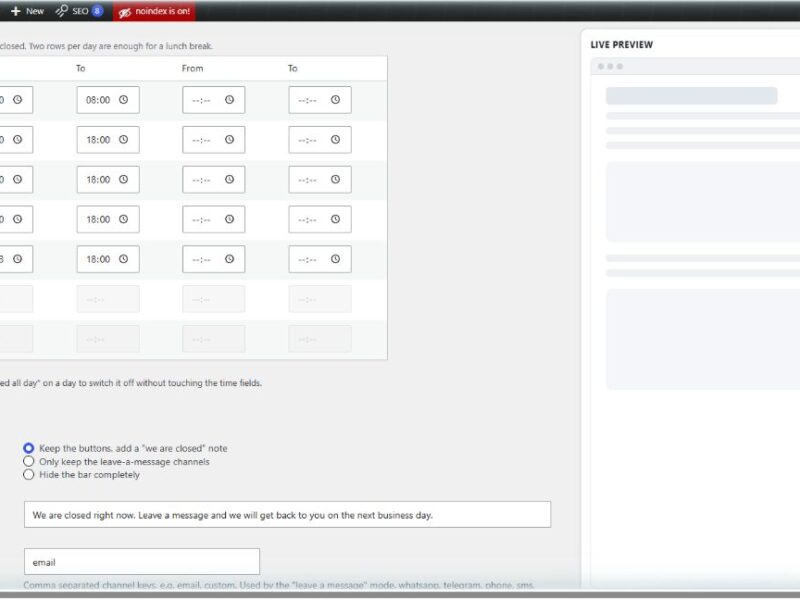
How to Hide a Contact Button on Specific Pages (Rules That Work)
Allow lists, deny lists, AND/OR rules and the five configurations that actually work on B2B sites.
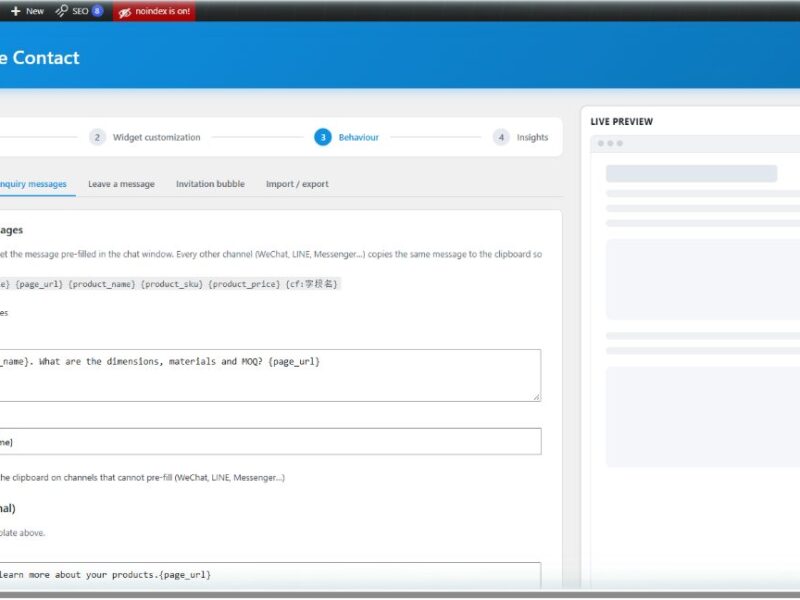
Catch Cart Hesitation: A Contact Bar on WooCommerce Cart & Checkout
The cart page is the highest-intent page on a B2B shop. Show the contact bar there, with a message that answers the actual doubt.
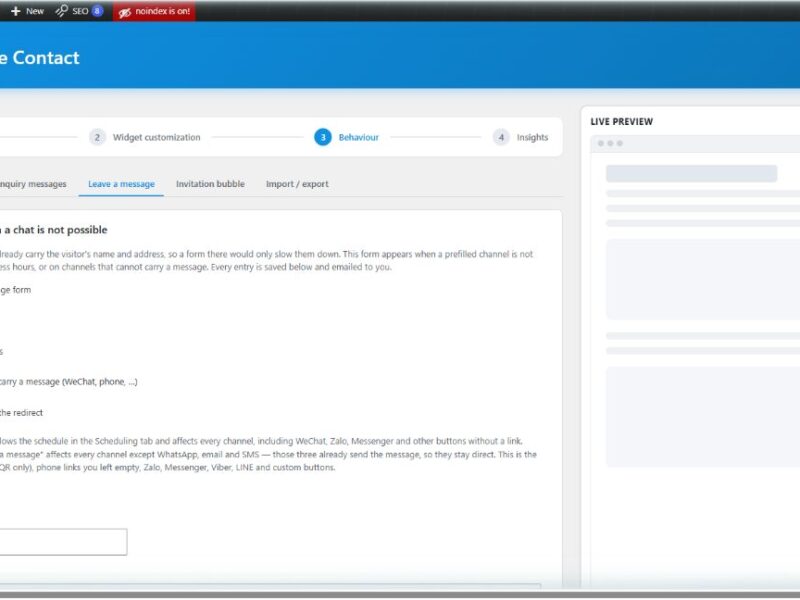
How to Take Enquiries While You Are Closed (Leave-a-Message Form)
Instead of a dead contact button at midnight, collect name, contact and requirement — and get it by email in the morning.
Contact Buttons for B2B Export Sites: Which Channel Comes First?
WhatsApp, phone, email or a form? A practical order for export sites, based on how buyers actually behave and what you can answer.
How to Translate Your Contact Bar With TranslatePress or WPML
Some labels never appear in TranslatePress. Here is why CSS-generated text is invisible to translators, and how the plugin fixes it.
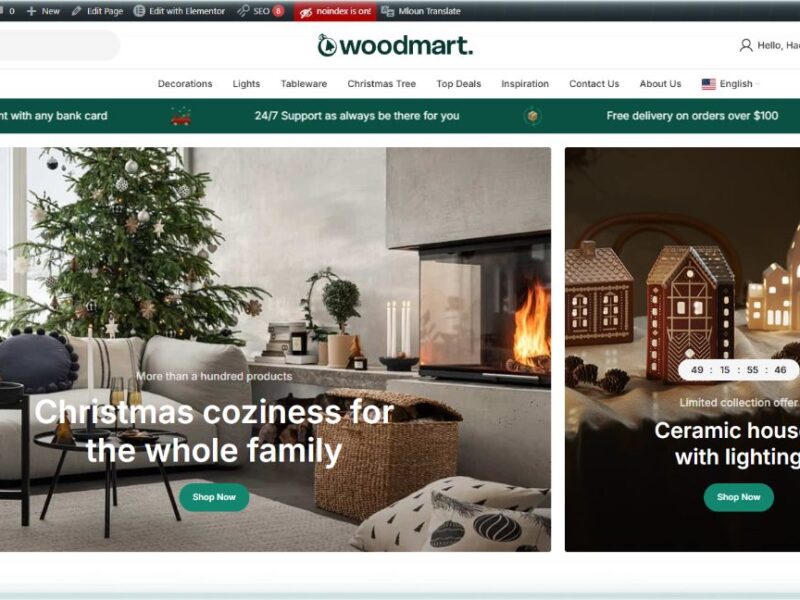
Woodmart’s Bottom Mobile Menu Is Covering Your Contact Bar — 3 Fixes
Woodmart's bottom mobile menu and a floating contact bar both pin to the bottom edge. Three fixes, including the one that survives theme updates.
Why Your Floating Button Disappears on Mobile (And How to Fix It)
The contact bar works on desktop but not on phones? Six settings and stacking issues that explain it, in the order worth checking.
Can You Export a Wix Blog? What Wix Gives You (And What It Doesn’t)
Wix exports products, orders and contacts as CSV — but there is no blog export, and the RSS feed carries excerpts only. Three ways to get your articles out, and what each one costs.
What Shopify Actually Exports (And What Stays Behind)
Shopify exports products, customers and orders as CSV — and nothing else. Here is what is in the files, what breaks when you import them, and what has to be rebuilt by hand.
How to Pre-fill a WhatsApp Message With the Product Name, SKU and Price
Make the WhatsApp button open with the product name, SKU, price and page URL already written — using variables, no code.
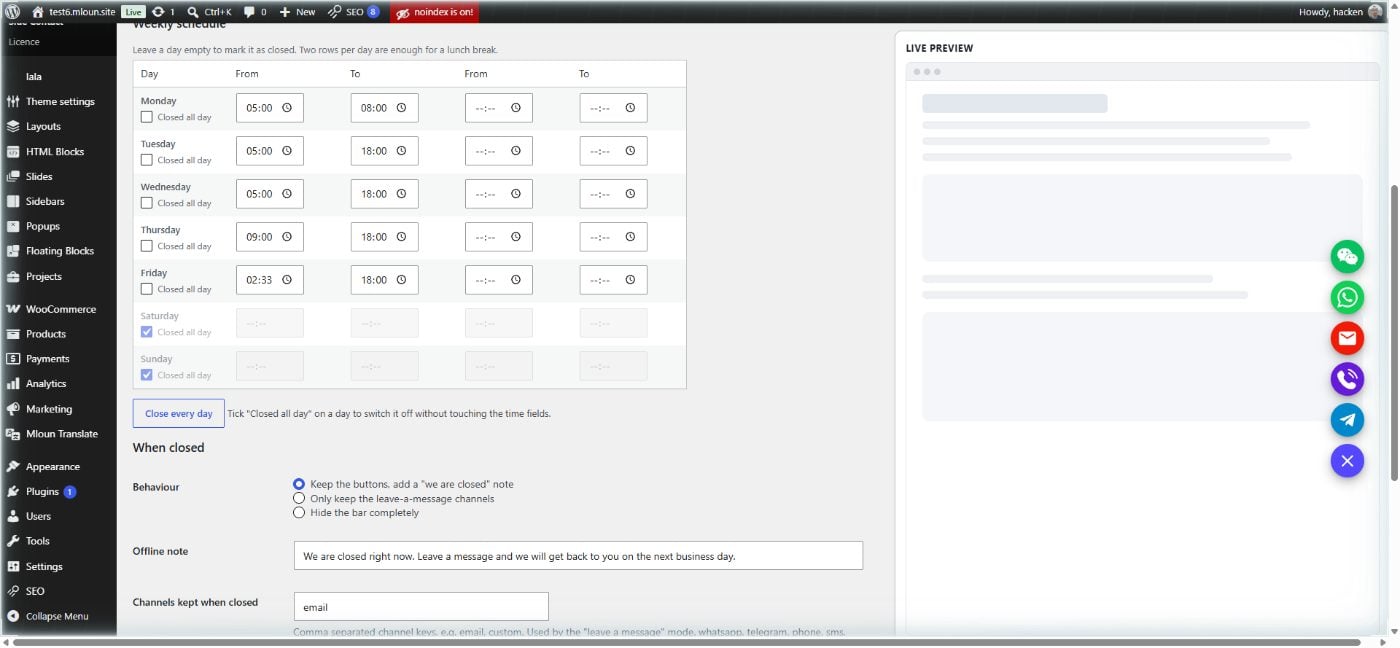
How to Show a WordPress Contact Button Only During Business Hours
Set weekday opening slots, split days for lunch, close holidays, and choose what happens after hours — without touching code.
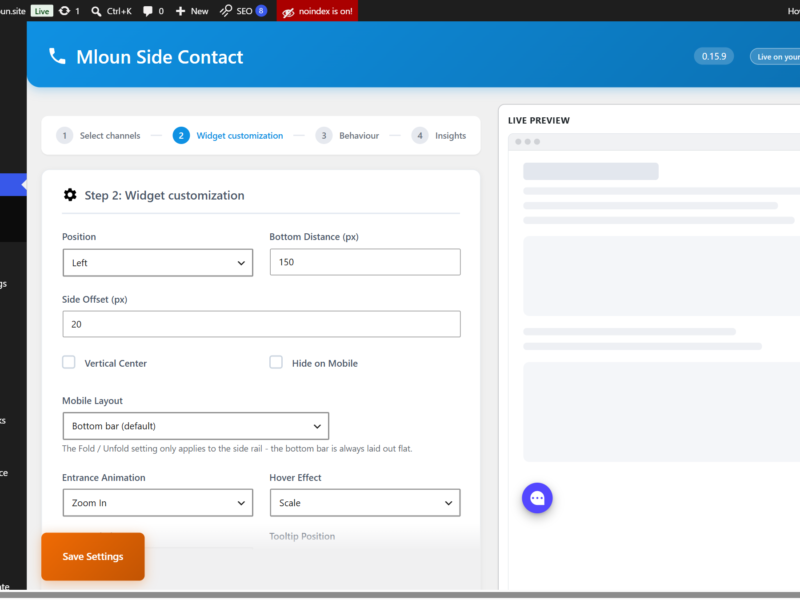
Every Widget Option Explained: Position, Styles, Folding and Mobile Behaviour
A complete reference to the widget customization screen: positioning, style presets, per-button colours, tooltips, folding, Back to Top, QR codes, and the two phone layouts that behave differently on purpose.